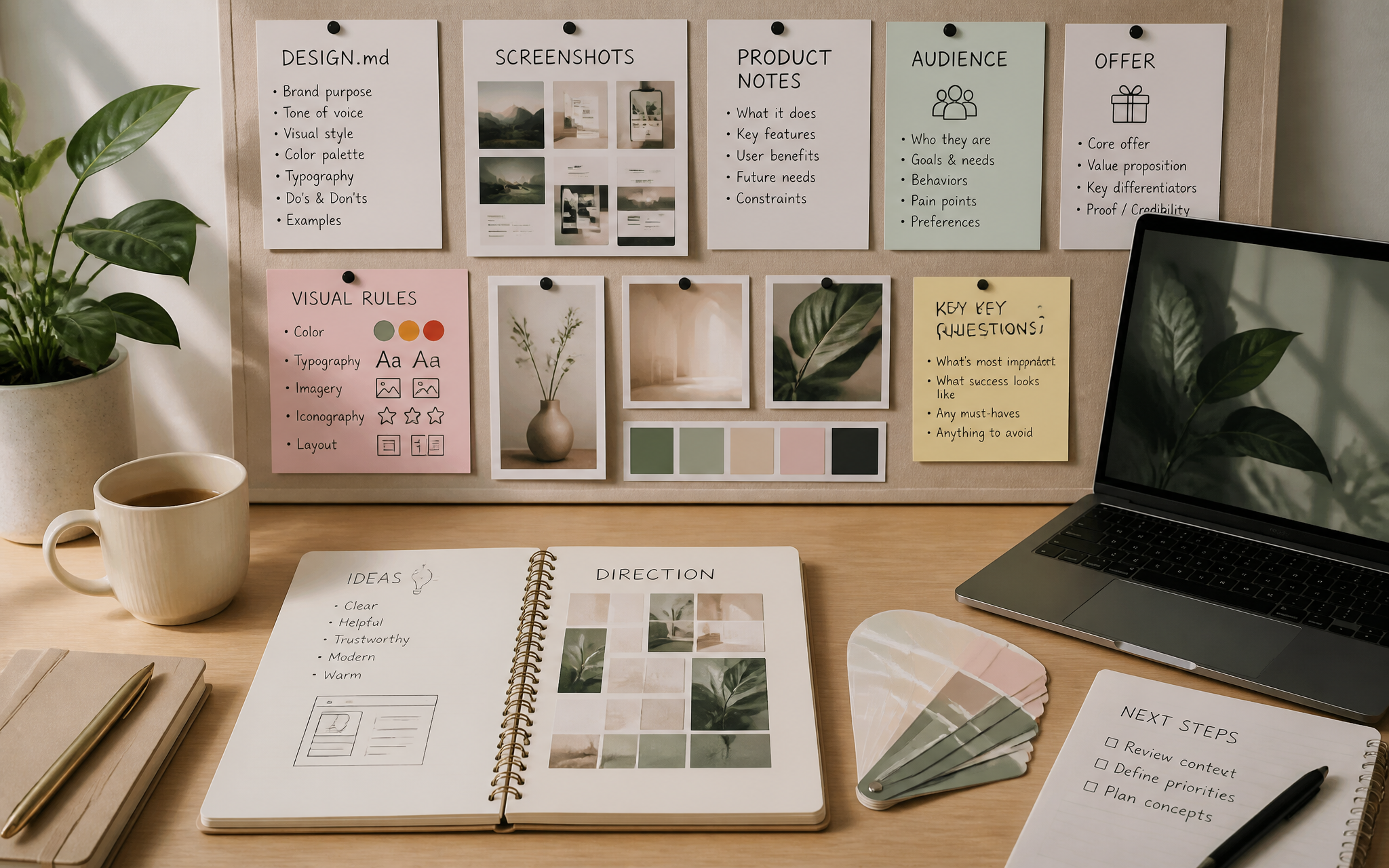
Context dashboard
Collect DESIGN.md, screenshots, product notes, audience, offer, and visual rules before generation starts.
AI Page Builder With Real Context
Vyra turns DESIGN.md files, screenshots, prompts, product notes, and media direction into polished landing pages you can edit, export, and publish.

Welcome back, Maya
Active project · Launch page draft
Context Sources
Generated Sections
Page generation progress

Blank prompts make blank pages. Context gives the model something to design with.
0m
sample first draft
0
media slots
0
export paths
Vyra keeps the product story, visual system, and media direction close to the page, so every generation starts with more than a blank prompt.
1
DESIGN.md source
12
reference inputs
3
media modes
5
handoff paths
Collect DESIGN.md, screenshots, product notes, audience, offer, and visual rules before generation starts.

Ask for stronger hero copy, tighter proof, richer sections, or a new visual direction without rebuilding from scratch.
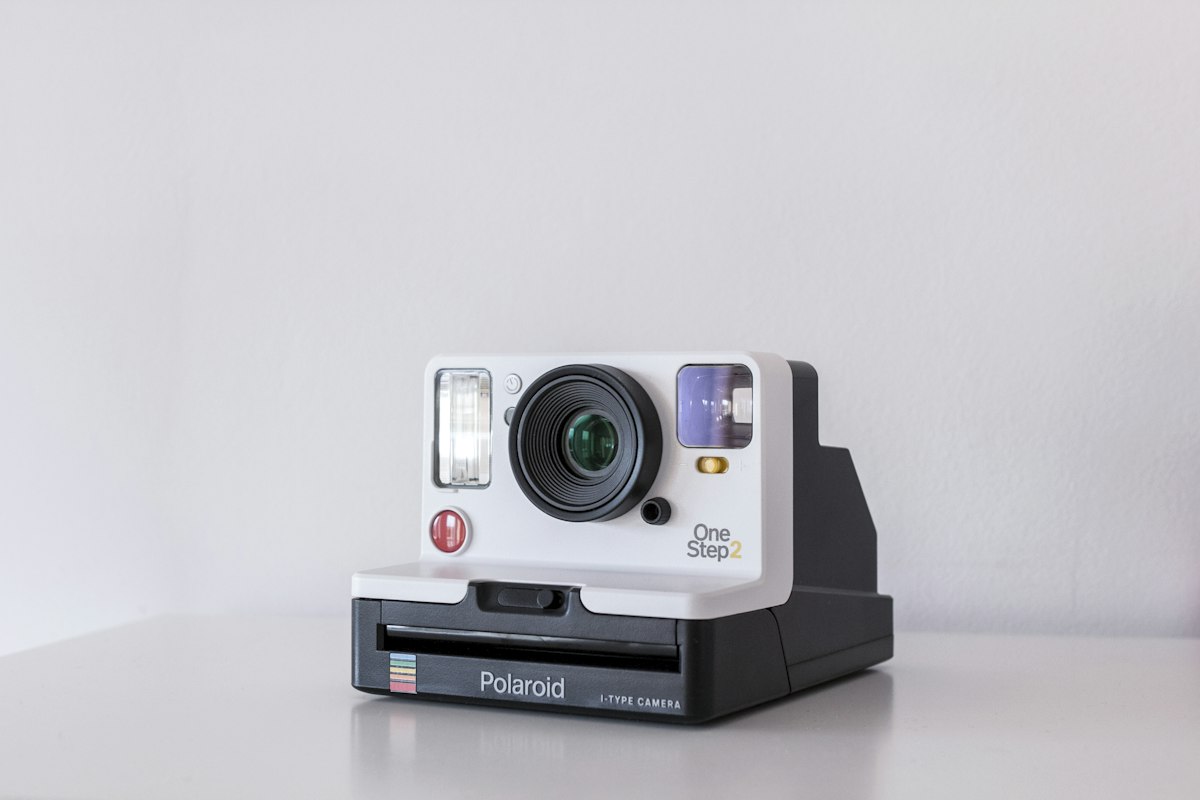
Generate page images and short video loops from the section they belong to, not from generic stock prompts.
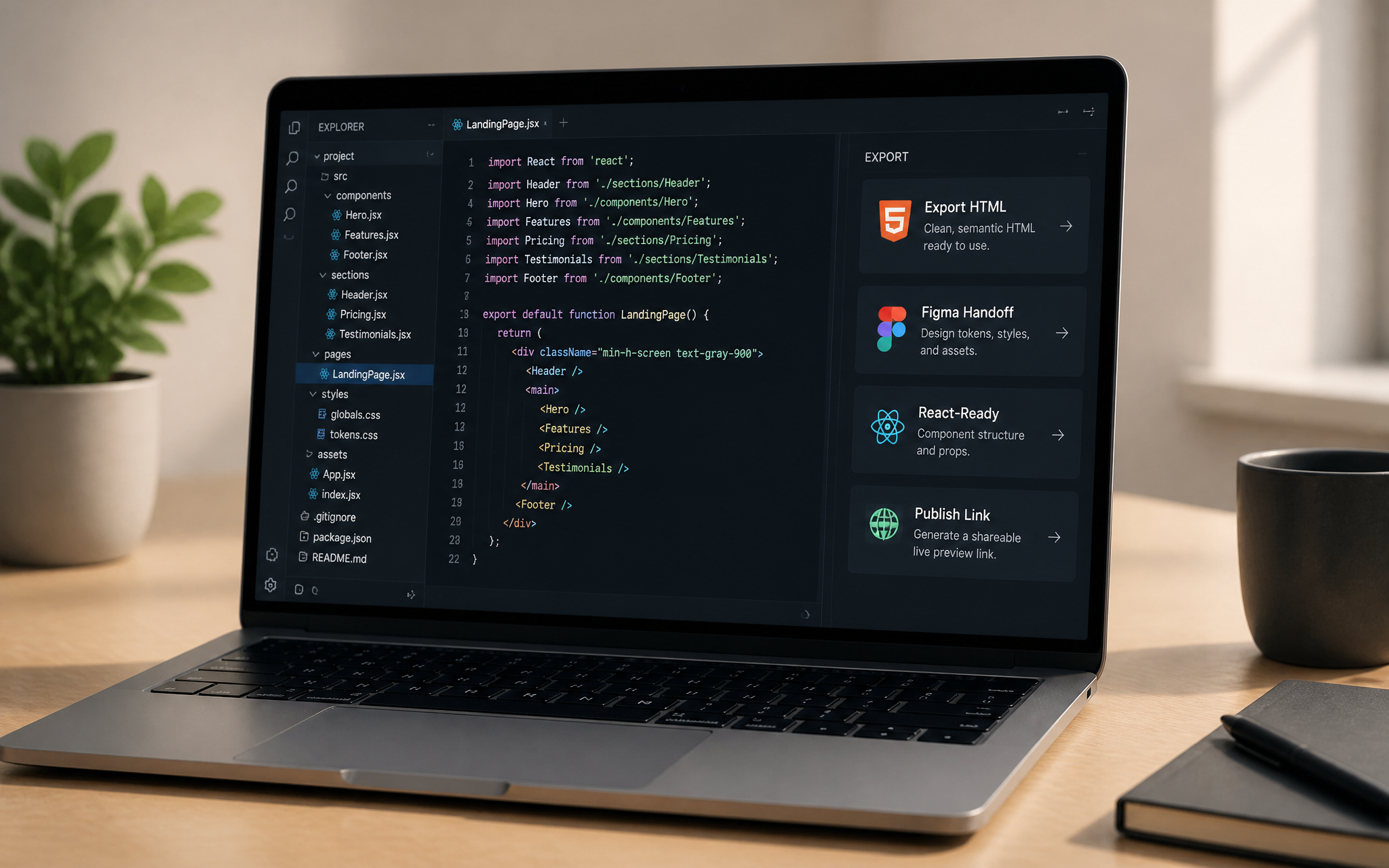
Move from draft to HTML, Figma handoff, React-ready sections, or a shareable publish link.
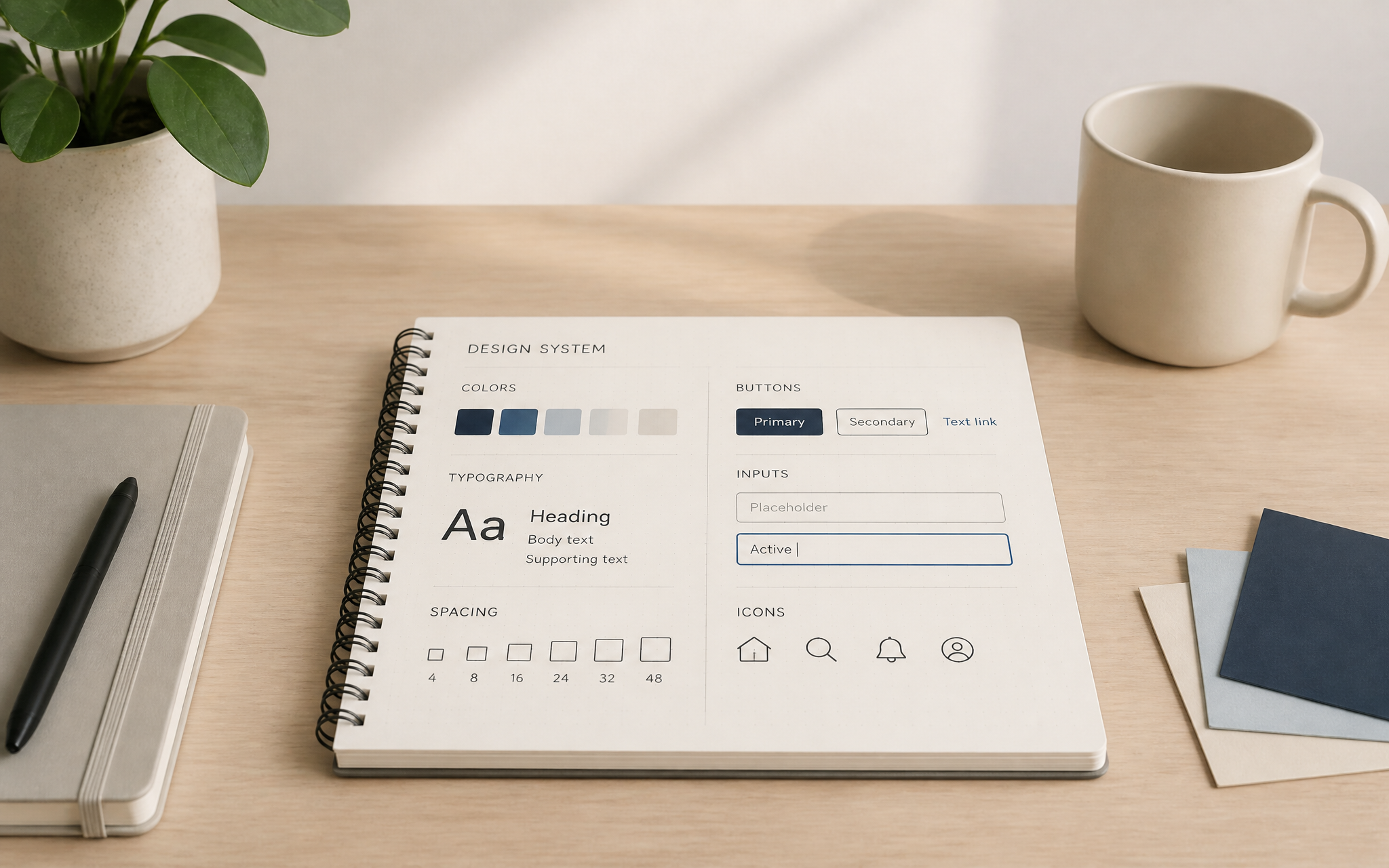
Reuse saved style rules so the next page feels like the same product, not a new random template.
Vyra can start from the places where your product work already lives: design files, docs, repos, project notes, and launch assets.
Figma
Notion
GitHub
Drive
Slack
Linear
Webflow
Framer

Reviewing draft · Launch page
"We gave Vyra our launch notes, screenshots, and DESIGN.md. The first draft already knew what the product was trying to say."

Maya Chen
Founder, Northstar Studio
Build Modes
Creator
$19 /month placeholder
For solo builders exploring landing page directions from prompts, screenshots, and DESIGN.md.
Builder
$49 /month placeholder
For launch teams creating richer pages with contextual media, revisions, and publish-ready structure.
Studio
$149 /month placeholder
For teams managing multiple product pages, saved design systems, and repeatable launch workflows.

Turn rough launch notes into a page that can be reviewed today.
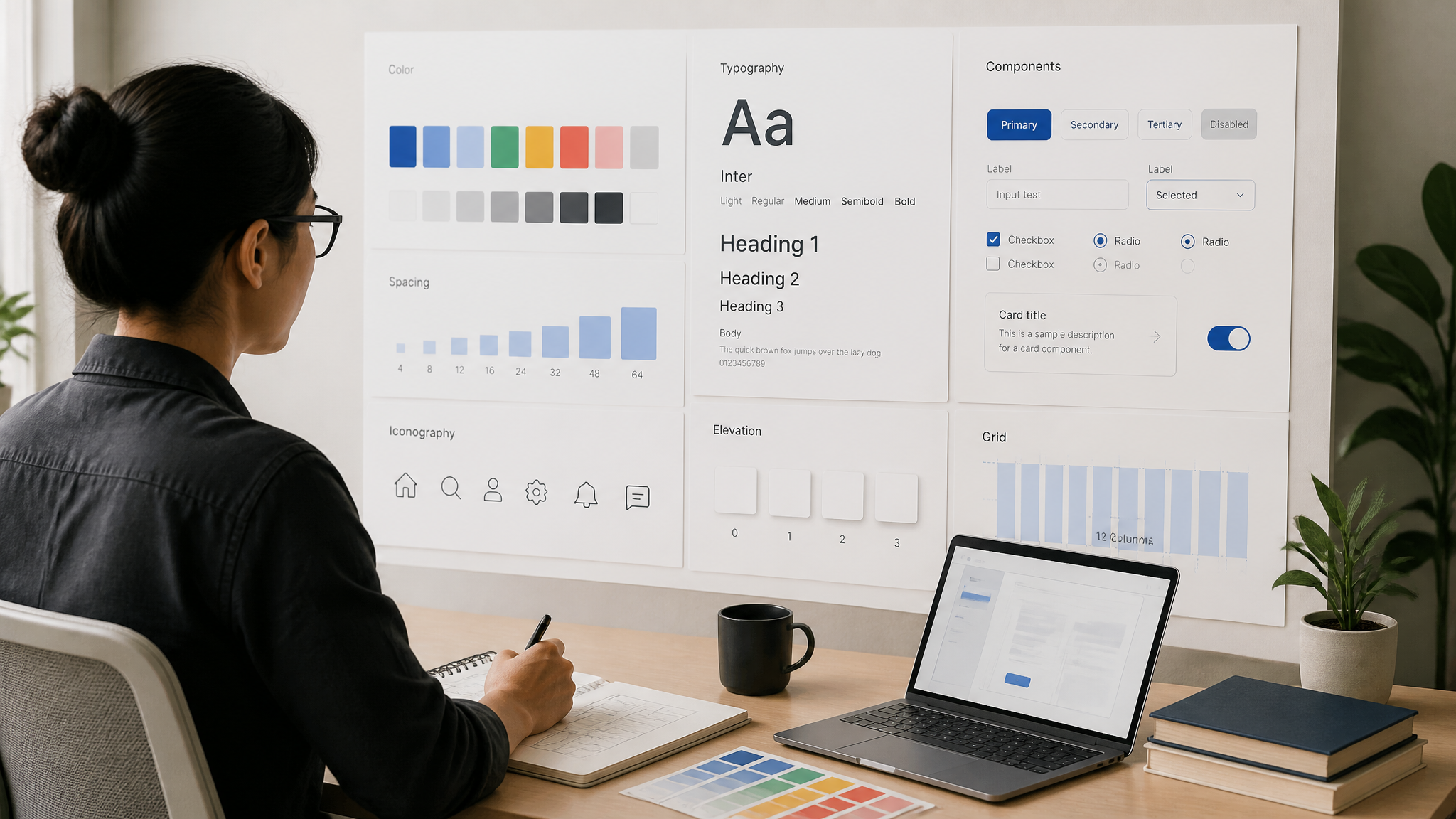
Keep the visual system consistent through every generation.

Test sharper positioning, proof, and media without starting over.
A quick guide to how Vyra uses context, media, and export workflows.
No. Vyra can start from a prompt and screenshots, but a DESIGN.md file gives the model stronger rules for typography, spacing, color, components, and tone.
Yes. Use screenshots for composition, visual rhythm, and interaction ideas. Rewrite the brand, copy, metrics, pricing, names, and proof so the result belongs to Vyra or your product.
Yes. Vyra can create contextual image batches from the surrounding section copy, then you can regenerate the assets that feel off-brand.
Yes. Use short loop prompts for hero motion, hover states, product previews, or atmospheric section media.
Yes. The page supports HTML export, Figma handoff, React-ready sections, or a publish link depending on the build mode.
Start with real context: product notes, audience, proof, screenshots, visual rules, media direction, and a clear conversion goal. The more specific the inputs, the less the page behaves like a template.
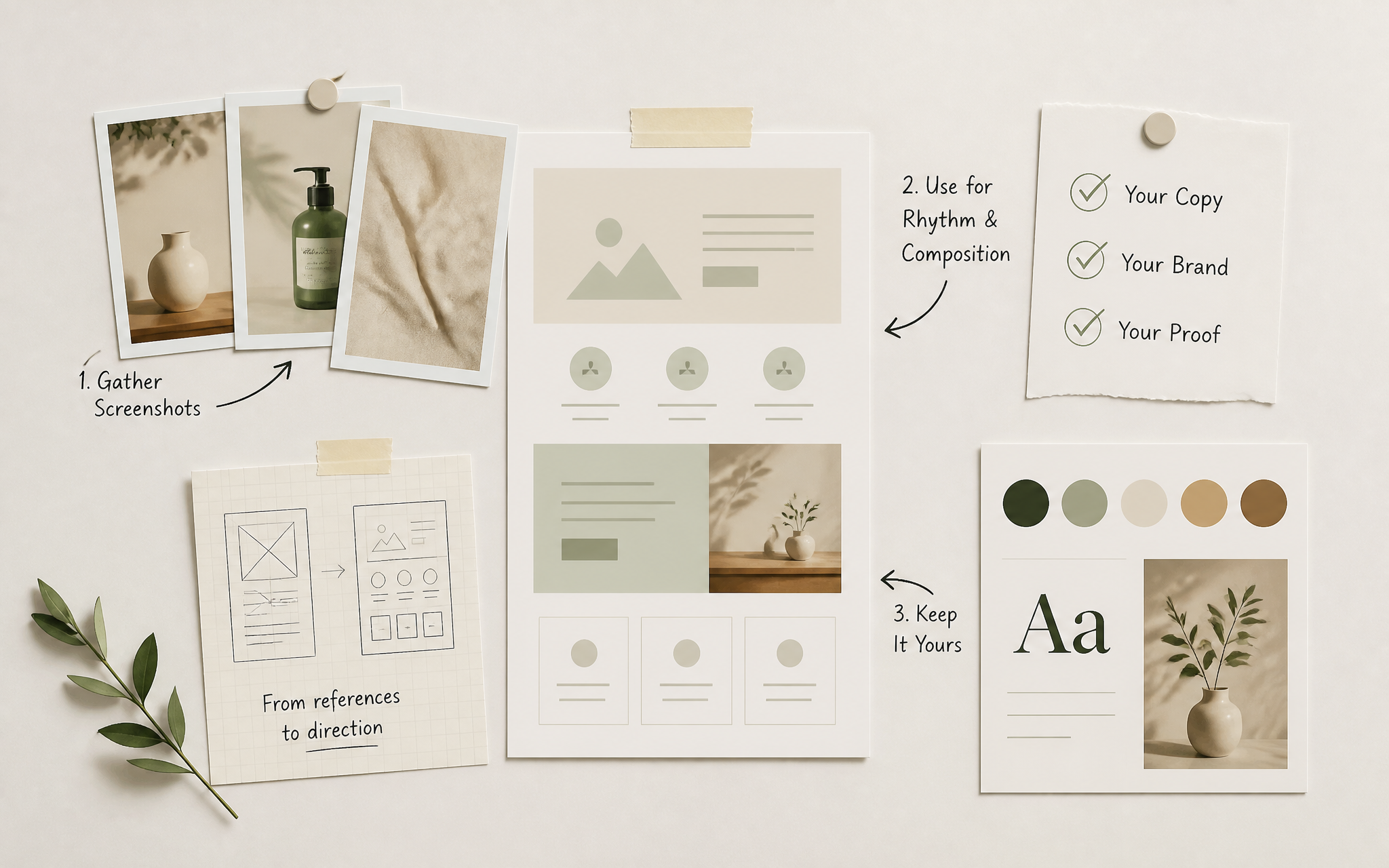
Workflow · Placeholder date
Use references for rhythm and composition while keeping the copy, brand, and proof entirely yours.
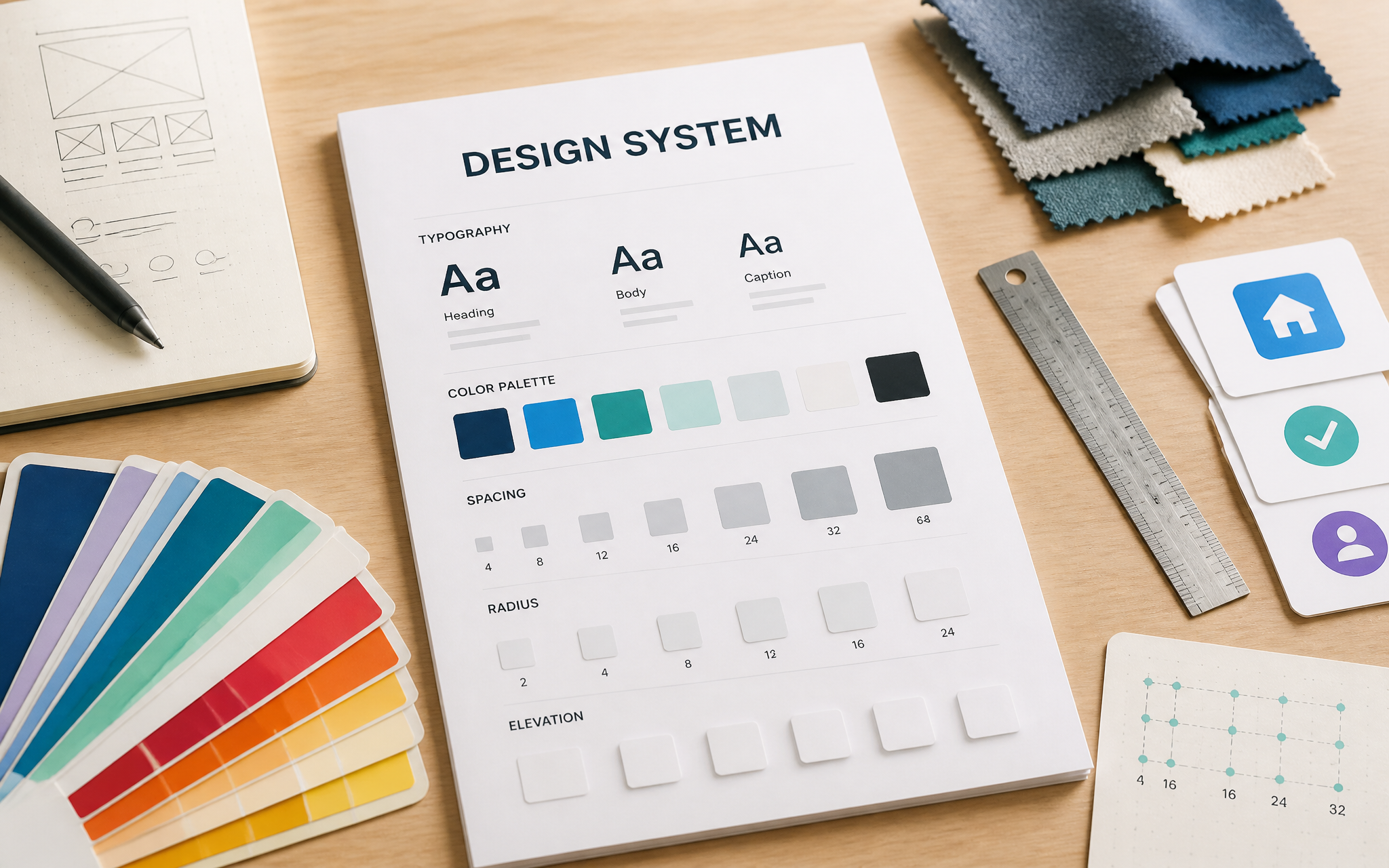
Design Systems · Placeholder date
A short file of typography, spacing, and tone rules turns every generation into the same product.

Media · Placeholder date
Generating assets from section copy keeps the imagery tied to what the page is actually saying.